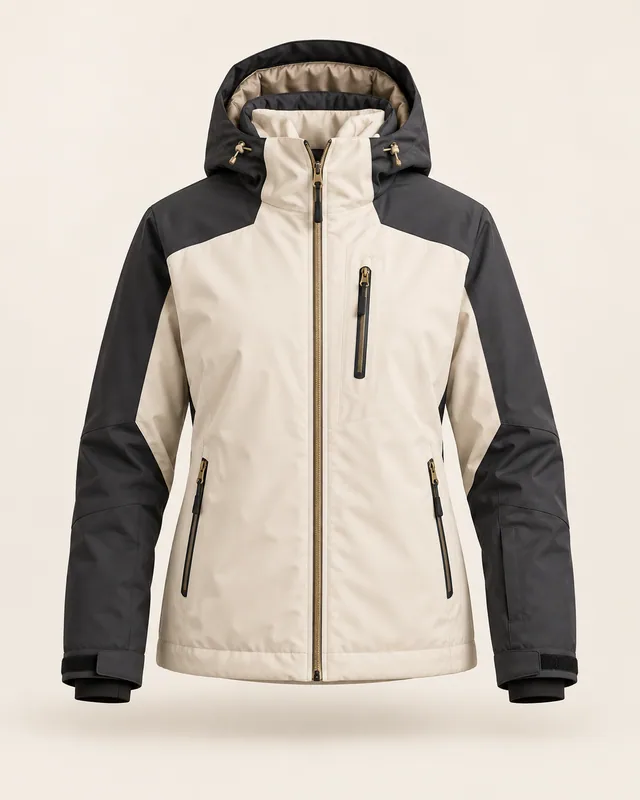
Technical Ski Jacket
Concept preview · MOQ and lead time not verified
View concept →
The final catalogue will contain verified, repeatable styles with clear specifications and ordering conditions. These concepts let you review that experience.
AI-generated apparel concepts — not verified products, inventory or ordering availability.
Foundation preview · Content and business conditions are under review.
3 concept styles shown.
Concept preview · MOQ and lead time not verified
View concept →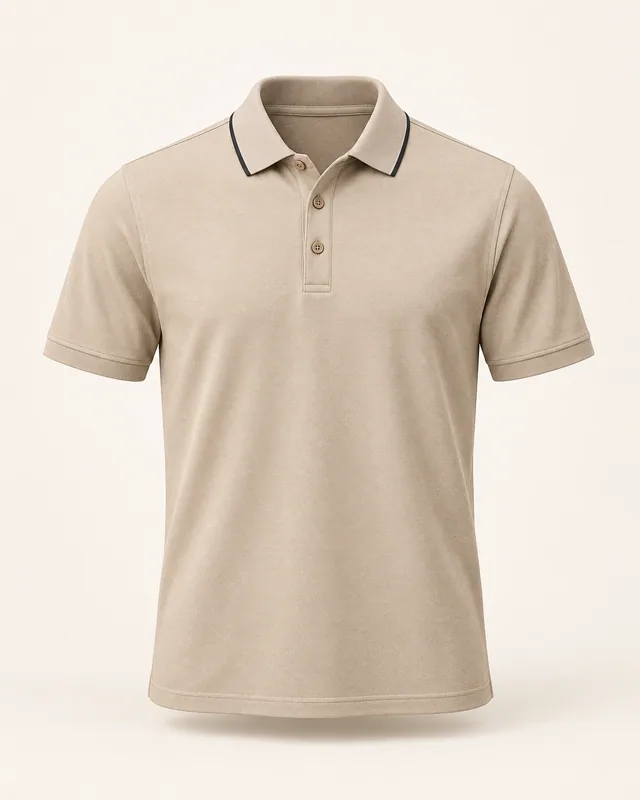
Concept preview · MOQ and lead time not verified
View concept →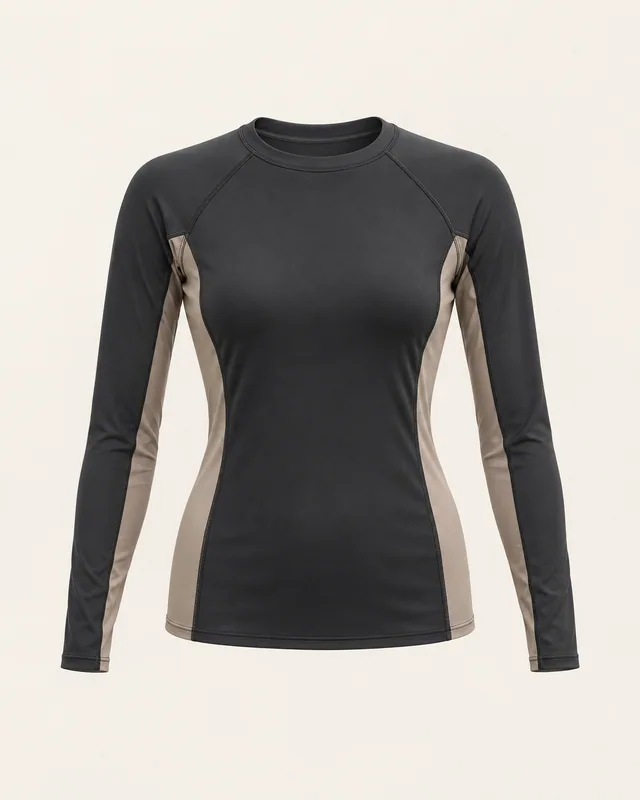
Concept preview · MOQ and lead time not verified
View concept →AI-generated concepts for layout review only. Not actual products, inventory, material specifications or manufacturing evidence.
Select concepts and requested quantities. This is not a cart, order or confirmed supply.
The project form downloads your brief only. It does not send an enquiry or reserve products.
These three listings are AI concept previews, not verified products or stock. Choose a direction to discuss; no purchase, reservation or supply acceptance is created.
Use the multi-concept brief for requested pieces per concept. Open an individual concept for its colour/size allocation planner and preparation questions. Different concepts need separate specifications and supply confirmation.
The existing tools count individual pieces, not pairs, complete sets or cartons. Their totals reconcile requests only. A combined quantity is not a per-style or per-colour MOQ; the input limits are not supplier minimums or capacity.
Confirm the actual style/source and specification revision, materials, size chart, allowed options, samples, rights and evidence before treating any concept as an orderable item. None of these is inferred from its image.
Ask whether supply is stock or made to order, the actual quantities and MOQ basis, quote scope/date/validity, branding changes, sample costs, timing dependencies and delivery scope. There is no verified price, availability or delivery date here.
The shortlist link carries listed concept IDs and requested whole-piece quantities in its URL. Individual planners also carry requested colour/size labels and allocations. Do not put personal, contact or confidential information in these fields. Opening the Project Brief is not submission; notes in other preparation tools do not automatically attach.
Bring the details you have. Identify what still needs development.